🌈 ESP32-S3 Rainbow: ZX Spectrum Emulator Board! Get it on Crowd Supply →
View All Posts
read
Want to keep up to date with the latest posts and videos? Subscribe to the newsletter
HELP SUPPORT MY WORK: If you're feeling flush then please stop by Patreon Or you can make a one off donation via ko-fi

Every time I start a new project the first question is the same: which module should I use? Picking an Espressif chip means pulling up datasheets, hunting for pinout diagrams, checking which pins are safe, and ending up with a dozen browser tabs open.

So I built something to fix that.

www.atomic14.com/esp32 is a free, community-maintained database of Espressif modules. Every module in one place, with the specs, pinouts and 3D models you actually need to make a decision.
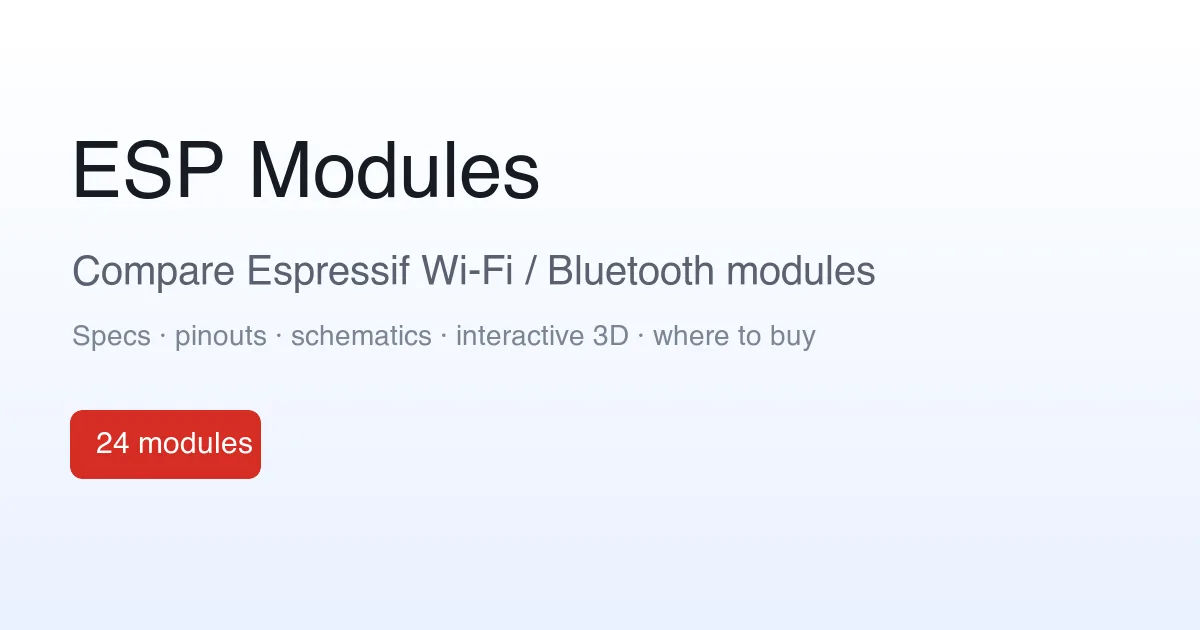
ESP Modules

What’s in there

Right now it covers 24 modules across 11 SoCs, from the classic ESP32 through to the ESP32-S3, ESP32-C3 and ESP32-H2. For each one you get:

  • Searchable specs pulled straight from the official datasheets: cores, clock speed, RAM, flash and PSRAM options, Wi-Fi and Bluetooth support.
  • Colour-coded pinouts with the strapping pins and “don’t use these” warnings called out, so you don’t get caught by a pin that fights you at boot.
  • Interactive 3D models so you can see the actual footprint and dimensions before you commit to a board layout.
  • Side-by-side comparison to put two or three modules next to each other and see exactly what changes.
  • Getting-started pointers for Arduino, ESP-IDF and MicroPython, plus links back to the source datasheets and reference designs.

Update: now with boards and sensors too

Since launch it’s grown well beyond bare modules:

Goodbye to the old ESP32-S3 pinout

This replaces my old ESP32-S3 pinout post. That started life as a single GitHub image, which was useful but hard to keep current and only covered one module. The new ESP32-S3-WROOM-1 page does everything that did and a lot more, and the same treatment is there for the rest of the family.

It’s a living document

Datasheets get revised, mistakes creep in, and there are always edge cases worth flagging. Every page has a built-in way to report errors, and corrections are very welcome. The more eyes on it, the more accurate it stays.

Go and have a poke around: www.atomic14.com/esp32. I’d love to hear what’s missing.

Related Posts

Minimalist Microcontroller: Building a Bare-Bones Dev Board - In a thrilling DIY endeavour, I attempted to build the most minimalist ESP32 dev board possible. Diving deep into the schematic of the ESP32 S3 WROOM module, I chopped out the non-essentials and whittled our needs down to bare bones. The experiment saw me juggling USB data lines and voltage regulators, waving goodbye to an array of capacitors and connectors and boldly embracing the simplicity of direct connections. Despite a few hitches, the miniature Frankenboard came alive, proving that sometimes less is more...at least in the world of microcontrollers.
ESP32-S3: Which Pins Should I Use? - As an enthusiast of the ESP32-S3's versatility, I recognized the importance of understanding which pins are best to avoid. Inspired by the Random Nerds page for the classic ESP32, I've created a comprehensive pinout for the ESP32-S3 available on GitHub. The community's input is highly valued – suggestions and corrections are welcome to refine this resource into a dynamic guide for developers.
Easy esp32 s3 dev board - Quick recap: I’m putting together a super simple ESP32-S3 dev board—there’s a video walkthrough, the full KiCad project on GitHub, plus the schematic and a slick 3D render of the assembled board.
I Asked AI to Design 12 Dev Boards. It Told Me to Write a Script. - I wanted a dev board for every Espressif module with a PCB antenna and native USB, 12 boards across the S2, S3, C3, C5, C6 and H2 families, so I asked AI to design them. It talked me out of it: this isn't an AI problem, it's a scripting problem. So I let it write the scripts instead. One curated YAML file per module and a deterministic pipeline does the rest: schematic, placement, autorouting, DRC, 3D renders and fab-ready Gerbers, all built and released by GitHub Actions. Here's how it works, and the three CI bugs that nearly broke me.
ESP-IDF v6 in VS Code: Blink (and debug) on the ESP32-S3 - I finally crawled out of the v5.x cave, installed ESP-IDF v6.0.1 with the VS Code extension, spun up the Blink example on an ESP32-S3, fixed a finicky flash by switching to UART, then used menuconfig to set the LED pin, bump the CPU to 240 MHz, use the full 16 MB flash, and enable 8 MB PSRAM. Wrapped it up with proper USB JTAG debugging in VS Code. If you’ve been putting off the IDF, v6 in VS Code is a super-smooth on-ramp.

Related Videos

I Asked AI to Design 12 ESP32 Dev Boards. It Said No. - I got bored of making one ESP32 dev board at a time, so I scripted the whole lot. After my favourite AI monkey told me to automate the repetitive bits, I built a pipeline that generates fully laid-out USB-native ESP32 dev boards for a dozen modules—schematics, placement, routing, silkscreen, and Gerbers—automatically. It uses a module database to choose safe pins, LED and boot pins, lays everything out in a standard USB-C two-layer format with differential USB pairs and ground pours, and publishes releases via GitHub Actions. You can fab them right away (thanks PCBWay), but treat them like open hardware: trust, verify, and tell me which ones to build.
Minimalist Microcontroller: Building a Bare-Bones Dev Board - Dive into the fascinating process of building a minimal ESP32-based dev board, beginning with the ESP32-S3 Wroom module, and eliminating unnecessary components. Through soldering, wire connecting, and voltage testing, we reach a product that's compact, efficient and fully functional.
ESP32-S3 - Which Pins Are Safe To Use? - In this video, I've decided to dive deep into the ESP32-S3, a module ruling my lab recently due to its plug-in-and-play functionality, and the flexibility offered by its GPIO matrix. However, working with it requires vigilance, especially with regard to the strapping pins and USB data pins, among others. Discovering such quirks, I've encountered unexpected values, short glitches and the occasional code crash. To help you avoid these bumps, I've documented everything I've learned on my GitHub repo, where I'm inviting you, my fellow makers and engineers, to contribute your valuable experiences and findings. After a minor hiccup with my ESP32-TV, expect an updated PCB design, courtesy of PCBWay. Explore the ESP32-S3 with me, and let's unravel its secrets together, one pull request at a time.
Super Easy ESP32-S3 Dev Board - Making an ESP32-S3 dev board is way easier than it looks. I simplify the datasheet reference: skip the external crystal, wire native USB D+/D− (pins 19/20) straight to a USB-C with 5.1k CC pulldowns, add a BOOT switch and an EN RC reset, and power it with an LD117 LDO that’s happy with ceramic caps. In KiCad I build the schematic with Espressif libraries, add LEDs for 5V, 3V3, and a blink GPIO, set up net classes, route a clean USB differential pair, stitch a solid ground plane, and label everything. It’s a bit wide—just gang breadboards together—and you end up with a neat, professional S3 dev board you can flash and debug over USB.
Arduino Nano ESP32 - It's nice - But probably not for me. - In this video, I took a deep dive into the Arduino Nano ESP32 and compared it with other available boards in the market. Despite its seemingly high cost as compared to the options on AliExpress, its overall quality, fantastic documentation, and the fact that it fits neatly into the Arduino ecosystem makes it a good buy, especially if you've already invested in the Arduino Nano and its shields. The board has a few interesting peculiarity, including the use of a NORA-W106 module, a switch mode step-down converter for power, and an RGB LED. However, I was disappointed to find out it doesn't come with built-in battery charging. The pin labelling and remapping could definitely cause some confusion, especially if you're transitioning from other ESP32 boards. It's a fairly decent ESP32-S3 board if that's what you're after. But given a choice, I'm keener on the Unexpected Maker boards or the cheap boards on AliExpress.
HELP SUPPORT MY WORK: If you're feeling flush then please stop by Patreon Or you can make a one off donation via ko-fi
Want to keep up to date with the latest posts and videos? Subscribe to the newsletter
Blog Logo

Chris Greening


Published

> Image

atomic14

A collection of slightly mad projects, instructive/educational videos, and generally interesting stuff. Building projects around the Arduino and ESP32 platforms - we'll be exploring AI, Computer Vision, Audio, 3D Printing - it may get a bit eclectic...

View All Posts